MCTools
Create

Custom Paintings
Music Disc Maker

Armor Stand Skins
 NEW
NEWPlayer Heads

Totem Generator

Cape Pack Builder
Avatar Maker

HUD Customizer
Tools
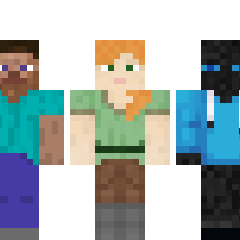
Gallery
 Armor Stand Skins
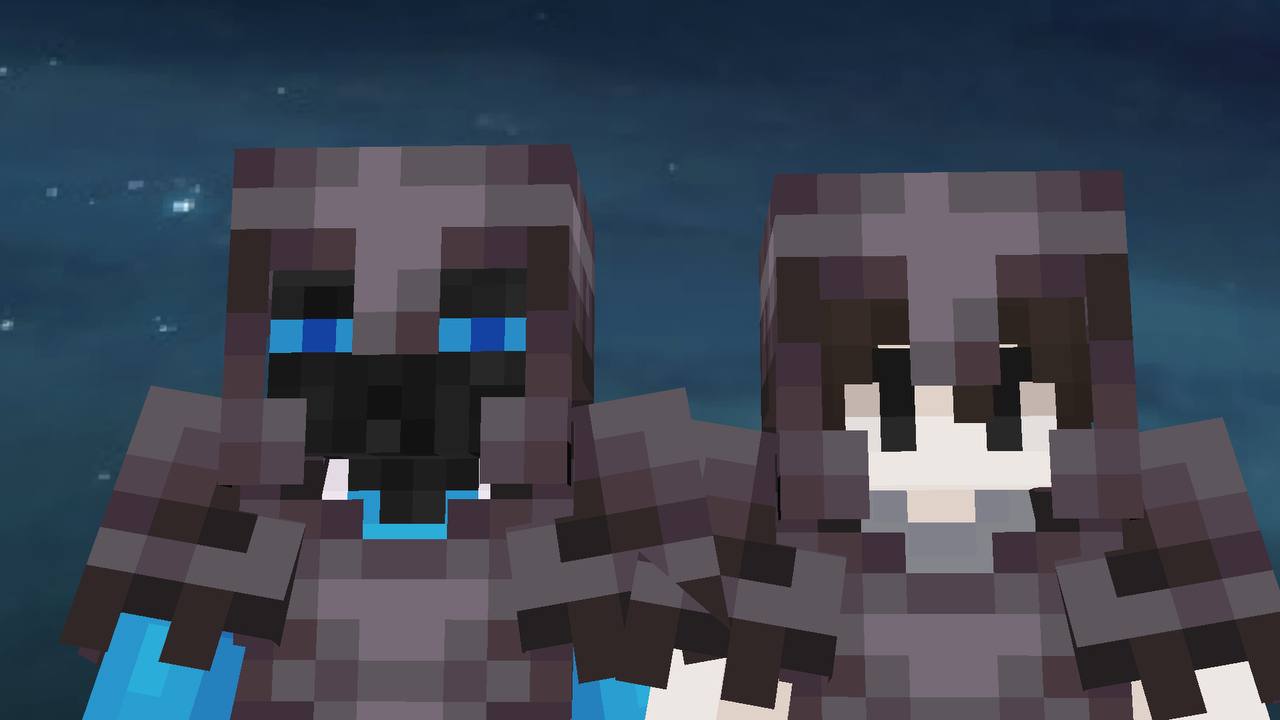 Armor Stand Skins
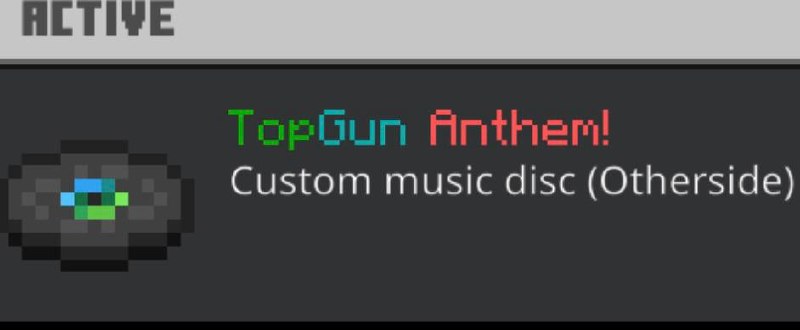 Custom Music Discs
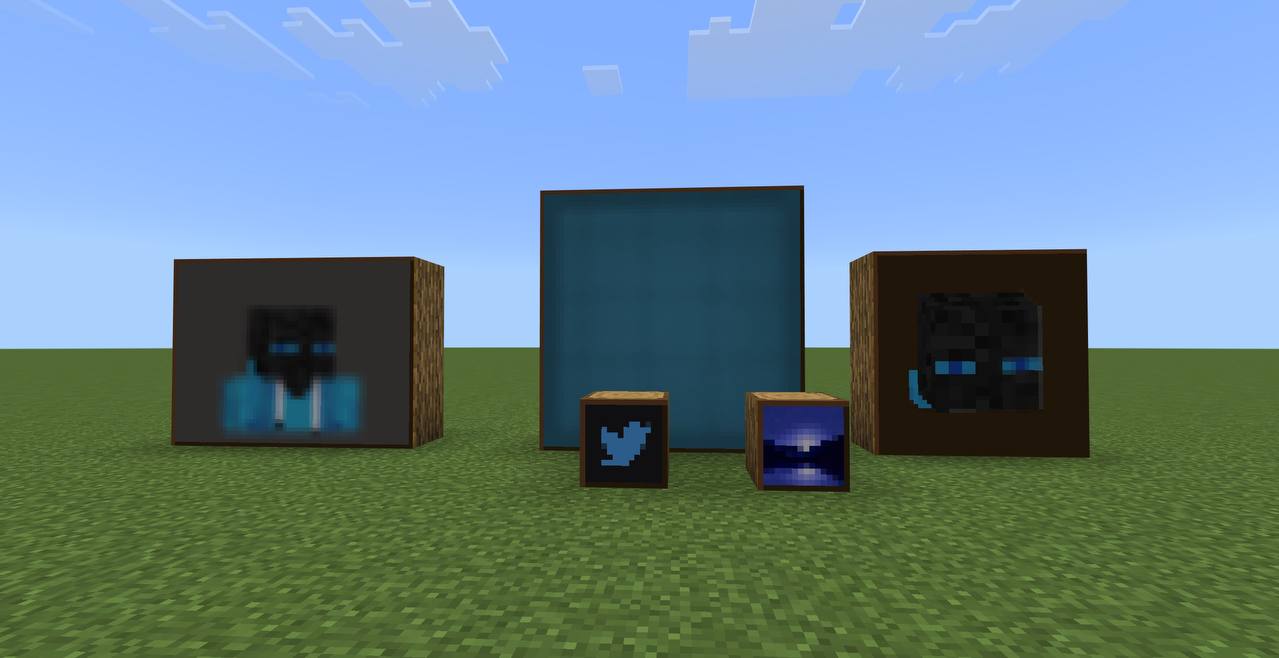 Custom Paintings
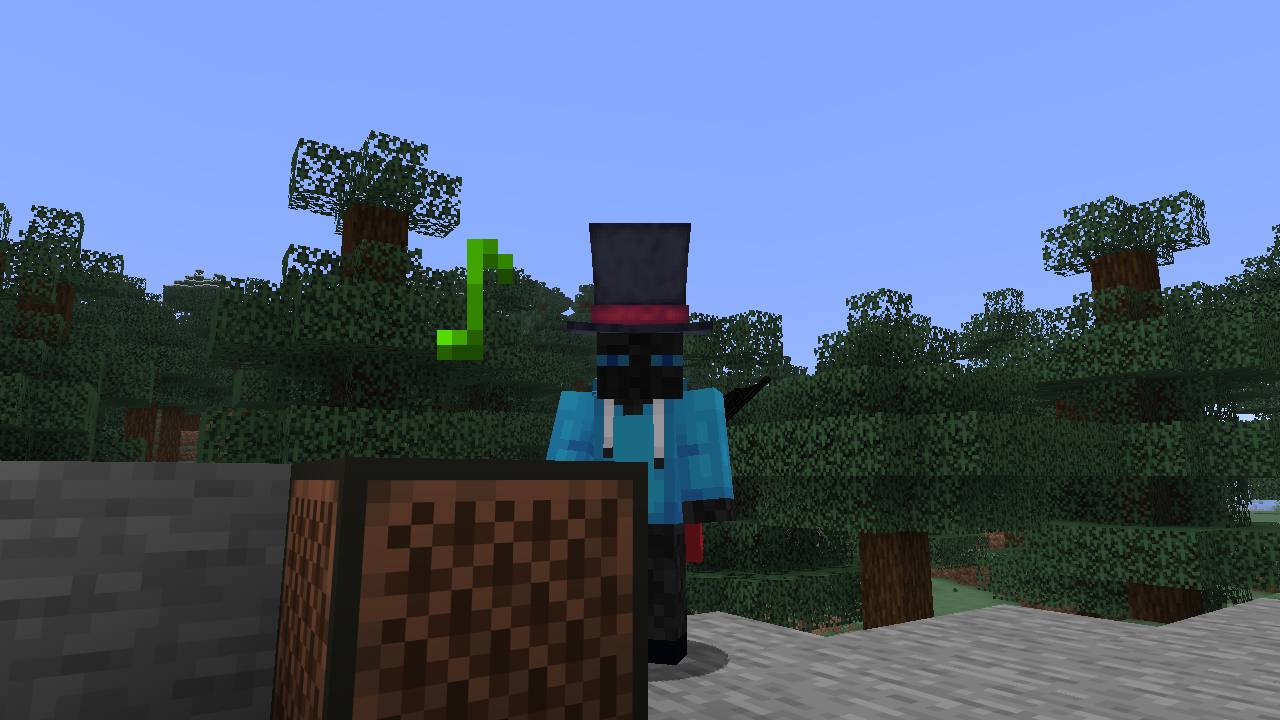 Custom Music Discs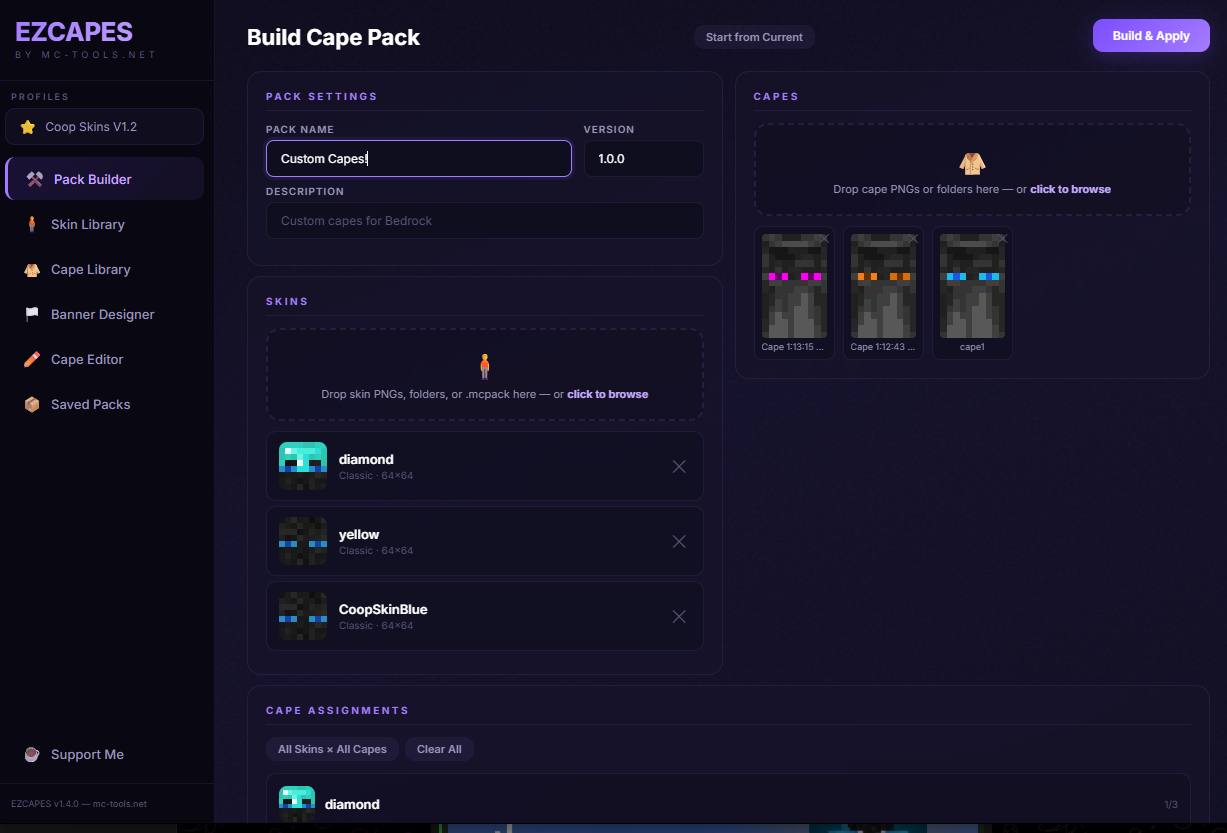
 Ezcapes
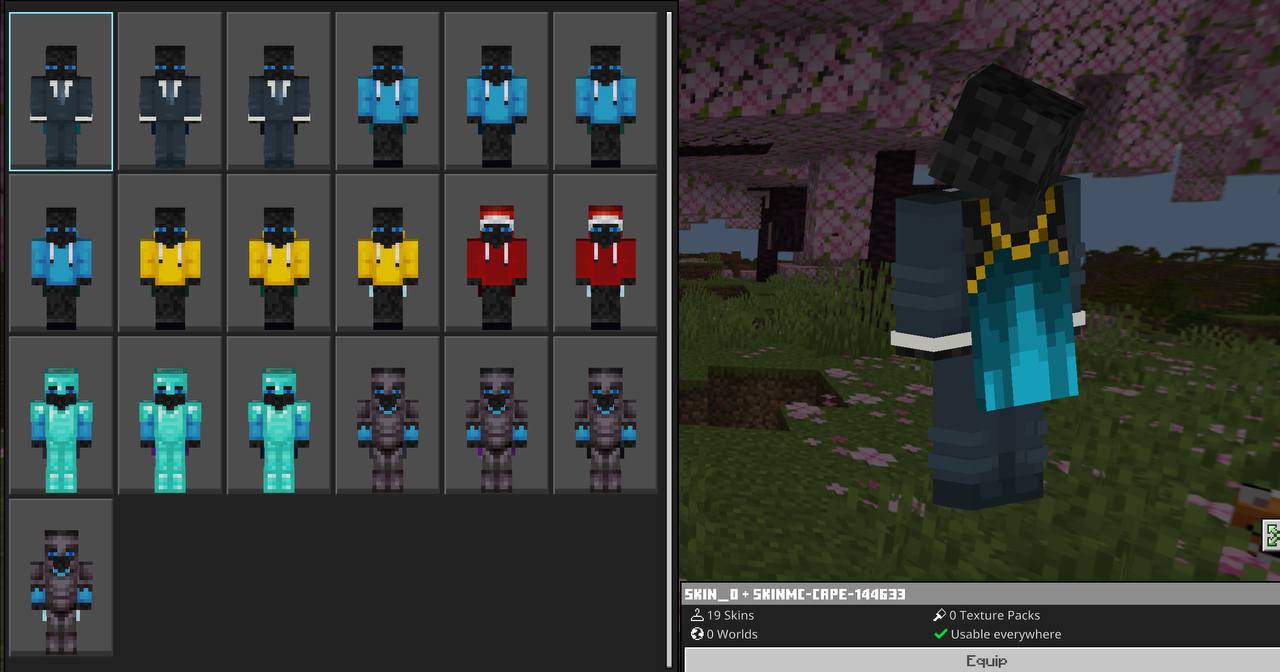 Cape Pack Builder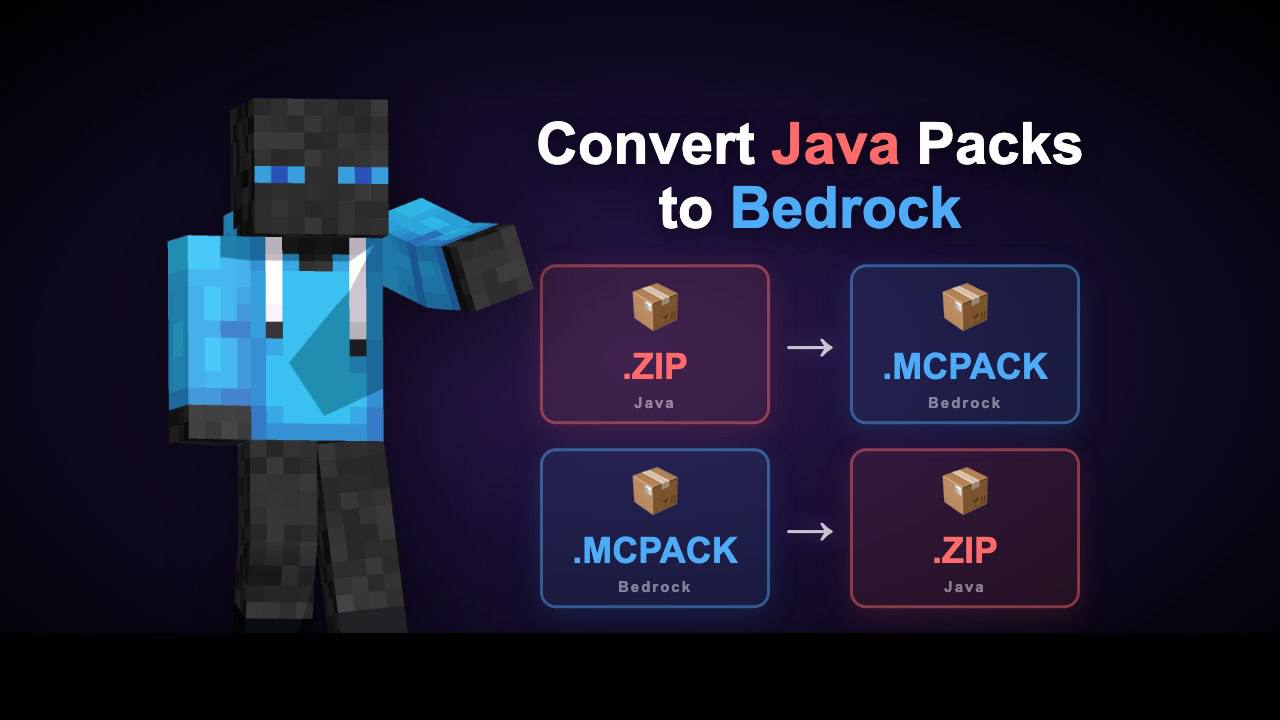
 Pack Converter
 Pack Converter
📜 Changelog
5/1
TOOLCustom Music Discs launched: add up to 50 brand-new music disc items to Bedrock with custom 16×16 pixel-art icons, a Music Merchant villager that spawns in villages and pathfinds toward jukeboxes, and Wandering Trader trades at 1 emerald each.
4/28
UIThe Custom Paintings tool got a full redesign, with bigger painting previews, Size and Resolution dropdowns per painting, and a one-click Build & Download button.
NEWPer-painting resolution on Custom Paintings, pick anywhere from 1× (vanilla 16px) up to 16× (256px) for each image, mix and match in the same pack.
FIX3D Elytra preview now actually renders in the Cape Editor.
UIRemoved the Custom Totem step from the Pack Merger for a cleaner 4-step flow (Upload, Customize, Icon, Build). The standalone Totem Generator still handles custom totems.
4/21
FIXClicking Review before uploading a pack no longer hides the Pack Converter UI, so the upload box stays put.
4/17
NEWDrops Style avatars landed on the Avatar Maker — chunky pixel-art characters generated directly from your skin's pixels.
NEWGroup Portrait mode lets you build a 3×3 squad of up to 9 Drops Style characters on the Avatar Maker, with drag-and-drop slot reordering.
UIRight-click (desktop) or tap-and-hold (mobile) the avatar preview to save or copy it natively, no separate download click required.
4/16
FIXMobile uploads now work on the Pack Converter, with .mcpack files no longer greyed out in iOS and Android file pickers.
FIXFerns, grass, saplings, flowers, vines, and crops now render as proper X-cross shapes after Bedrock to Java conversion in the Pack Converter, instead of flat cubes.
NEWA Target Java Version dropdown landed in the Pack Converter, so converted packs stop showing "Incompatible" in-game.
NEWVariated textures now convert in both directions through the Pack Converter, with hybrid pumpkin_face handling for carved and jack-o-lantern variants.
FIXAbout 180 Java↔Bedrock filename mismatches got corrected inside the Pack Converter (deepslate, huge_fungus, coral, chainmail, and more).
UIThe home page got a full overhaul on MC Tools, with Create and Tools sections, color-coded cards by ability, and Minecraft-style beveled borders throughout.
4/15
FIXMobile Bedrock now imports Armor Stand Skins packs correctly after cleaning up dangling geometry references.
4/14
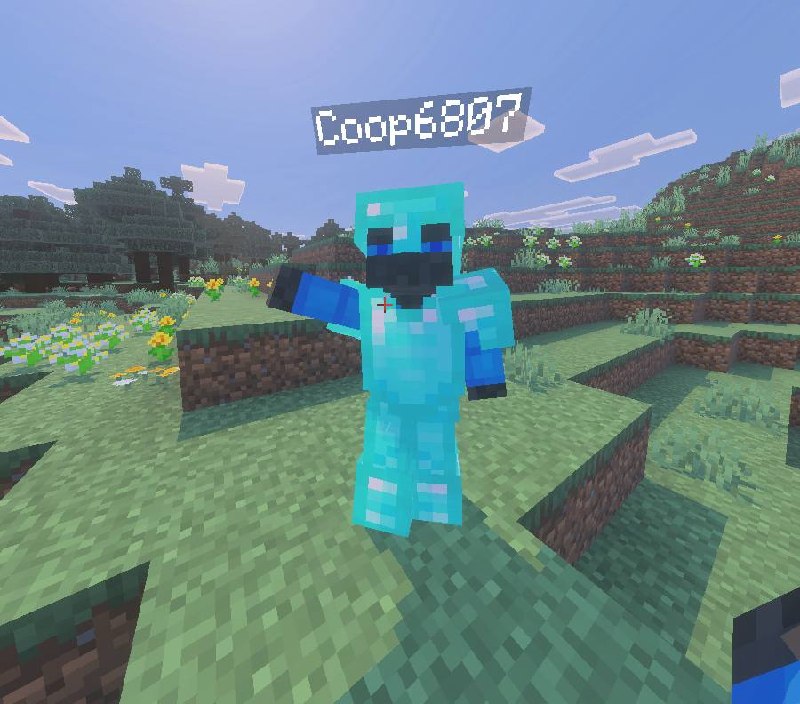
TOOLName an armor stand in-game and watch it transform into any custom skin, thanks to the newly launched Armor Stand Skin Pack Maker (cape support and slim detection included).
4/11
TOOLManaging custom capes from the desktop became a thing with the release of EZcapes app edition.
4/6
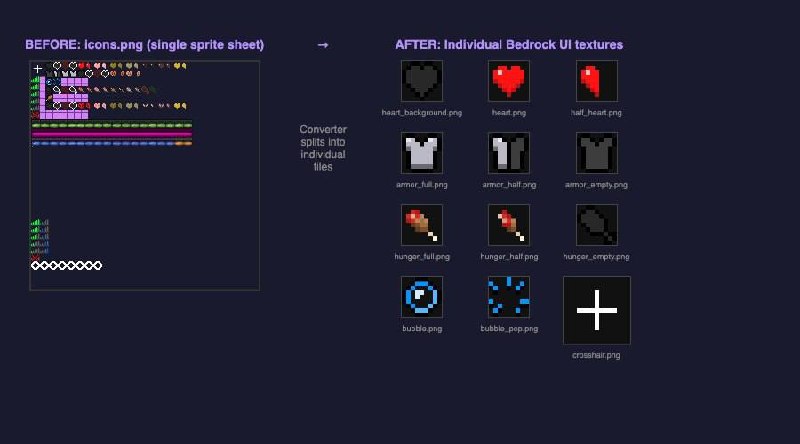
TOOLBidirectional Java↔Bedrock conversion arrived with the Pack Converter: 1,688 texture mappings, sounds, animations, language files, a HUD sprite splitter, and PBR support.
4/5
FIXSlim skin models now bind armor and capes correctly inside the Cape Pack Builder.
4/3
TOOLCustom crosshairs plus recolorable hearts and hunger icons arrived with the HUD Customizer launch.
3/31
TOOLUpload any song and the new Music Disc Maker will bundle it into a custom music disc resource pack.
3/25
TOOLCustom Bedrock capes in two steps became reality with the Cape Pack Builder launch.
3/15
TOOLUpload a photo and Custom Paintings bundles it into a Bedrock paintings pack.
2/23
TOOLDay one: MC Tools went live with Avatar Maker, Skin Pack Maker, and Texture Pack Merger.